virtual desktop badge active
I've been using virtual desktops since my early linux days. My workflow is that I create at
least ~10 virtual desktops (mission control) and bind each one to a hot key: ctrl+1 ==
desktop 1, ctrl+2 == desktop 2, etc.
Spotify/music is always in desktop 8 and that is easy to remember long term, but as projects come and go, the intermediate desktops ~3-7 are not kept in memory. I always wanted this simple app so I finally built one.
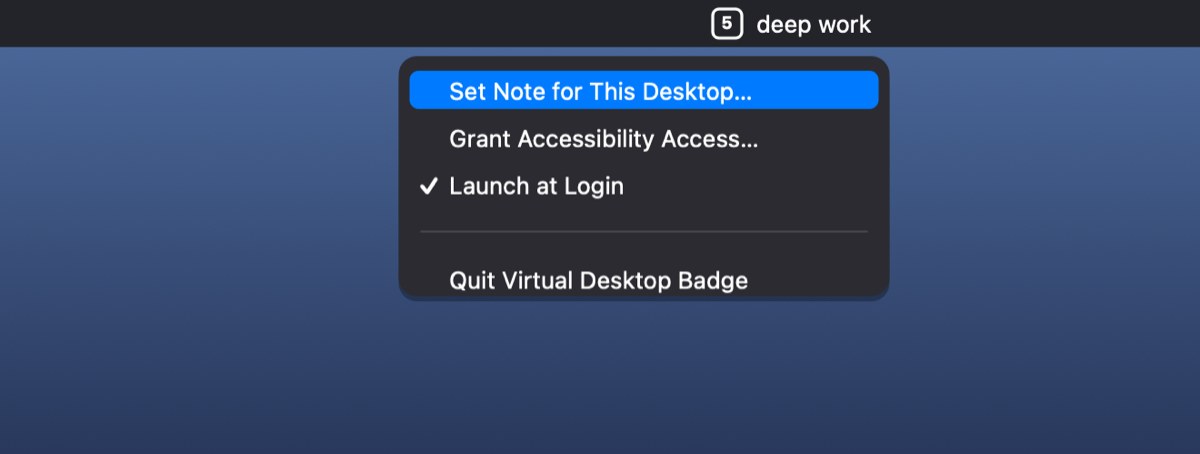
It's a small-footprint menu-bar app that shows which desktop (Space) you're on as a number in
a small box, with no Dock icon and no window. macOS lets you jump between Spaces with
ctrl+1/ctrl+2/… but gives no on-screen indication of which one you're on; this fills that
gap. Swift, macOS 13+. Source + releases.
Features
- A boxed number in the menu bar for the current desktop.
- Instant updates when you switch with
ctrl+1…ctrl+0(desktops 1–10); higher desktops update via the system read. - Self-correcting after trackpad swipes and Mission Control, via the system space-change notification.
- Multi-monitor aware. It tracks the primary (menu-bar) display and re-reads when you dock/undock.
- Per-desktop labels beside the number (see below).
- Launch at Login toggle.
Labels
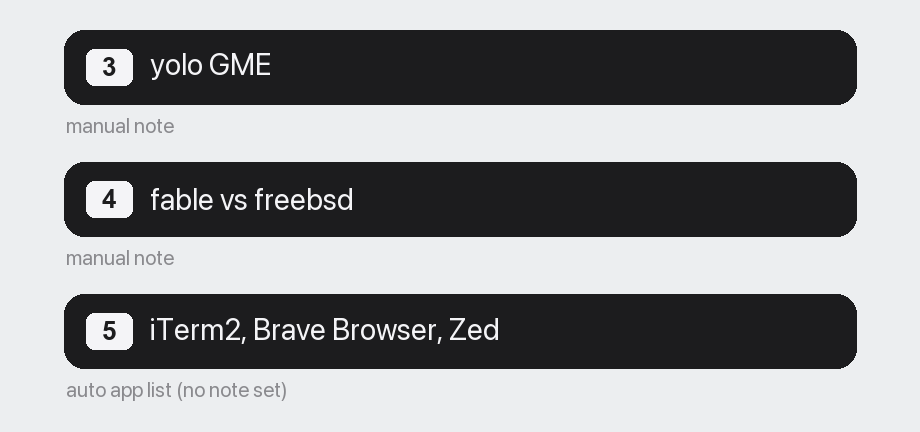
Beside the number, the badge shows a label for the current desktop: a manual note you set
(email, deep work), or, if you haven't set one, the apps currently on that desktop
(frontmost first, up to 3 then +N), updated live as you open and close them.
How it works
macOS exposes no public API for "what Space number am I on," so the badge uses a hybrid of two signals:
- Keyboard (instant, no private API). A global monitor watches for
ctrl+digit by physical key code (layout-independent) and sets the number immediately. - System notification + private API (always correct).
NSWorkspace.activeSpaceDidChangeNotificationfires on any switch, including swipes. The badge then re-derives the true number from the privateCGSCopyManagedDisplaySpacesAPI for the primary display, so the number is right at rest no matter where focus is.
The private API is isolated to a single file (CGSBridge.swift). If a future macOS changes
it, only that one file needs attention, and the keyboard path keeps working regardless. The
rest of the logic lives in a pure, unit-tested VirtualDesktopBadgeCore (no system calls), with
the AppKit executable as thin wiring around it, so the Space-number logic is testable without a
GUI.
Install
macOS 13 (Ventura) or later. Grab the latest .zip from
Releases (it's ad-hoc signed, so
allow it once on first launch), or build from source with ./scripts/package_app.sh.
Stack: Swift, AppKit, Swift Package Manager, XCTest; a private CoreGraphics (CGS) Spaces API.